The same forms that you see on the screen can be printed. Files from the opened folder can be batch printed. Follow the instructions below.
| 1. | Open an EDI file or directory containing the EDI files in the HIPAA Enrollment Master. Read more in Processing a Benefit Enrollment File, Working through an Entire Directory.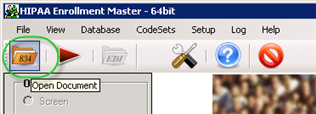 The "Open Document" button 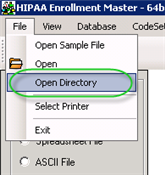 The "Open Directory" menu |
| 2. | Select the "Printer" option in the "Output Mode" block.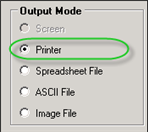 The "Printer" option |
| 3. | Click on the "Run" button.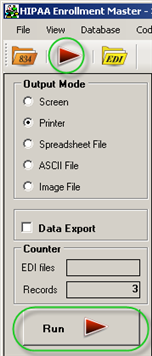 The "Run" buttons |
4. The "Save the file as" window appears. You can save file as XPS document.

5. The records will be spooled and your selected printer will start to output the file. Be aware that some EDI files contain thousands of records.
Tip: You can choose the color of the underlying form to be red or black. See Configuring Program Options.

The "Processing Results" window